

Blog
How to Start a Smart Home: A Room-by-Room Guide
Building a smart home does not have to begin with a complete renovation or a large collection of devices. A better approach is to identify a few everyday tasks you would like to make easier, then choose one room and one useful upgrade at a time.
Start with routines, not technology
Think about the small actions you repeat every day. You might turn on a lamp in the evening, adjust the heating before arriving home, or check who is at the door. These routines help you decide which devices are genuinely useful.
It is usually easier to evaluate a purchase when you can describe the task clearly. “I want a lamp to turn on at sunset” is more helpful than simply wanting a smarter home.
Living room: convenient lighting and everyday control
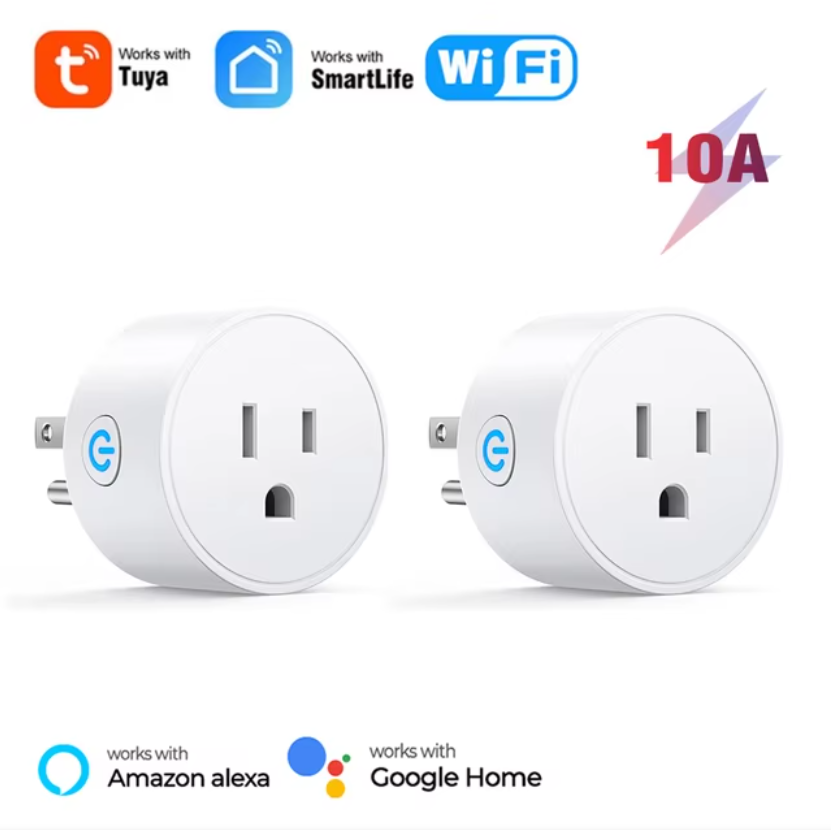
The living room is a good place to explore smart lighting, plugs and remote controls. A smart plug can add app control or schedules to a compatible lamp or appliance. Smart lighting can offer adjustable brightness or color, depending on the product.
Before buying, check the plug type, electrical rating and wireless connection. If you use a voice assistant, confirm that the product supports your platform.
Bedroom: simple schedules and comfort
In the bedroom, useful automation might include a morning lighting routine, a smart curtain schedule or temperature control through a compatible thermostat. Start with features that support your existing routine rather than creating a complicated system.
Pay attention to manual controls. Everyone in the room should still be able to use the light, curtains or heating conveniently without relying entirely on a phone.
Entrance: awareness and access
A video doorbell can provide a view of visitors and, on supported models, motion notifications or two-way audio. Check whether the device needs existing doorbell wiring, a battery, a chime or a subscription for certain features.
Placement and WiFi coverage are important. A device mounted outside your usual wireless range may not provide a reliable connection.
Whole home: plan compatibility early
As you add more rooms, compatibility becomes increasingly important. WiFi devices usually connect through your router, while ZigBee devices need a compatible hub. Keep a note of the apps, gateways and platforms used by your devices.
Expand only after the first setup works
Test one device for a few days before buying more. Check its manual controls, schedules and behavior when the internet is unavailable. A gradual approach makes troubleshooting easier and helps you avoid incompatible purchases.
For a simple first step, you can look at the Tuya WiFi Smart Plug two-pack or browse the Halook smart home collection by the task you want to improve.