

Blog
A Beginner’s Guide to Smart Plugs with Energy Monitoring
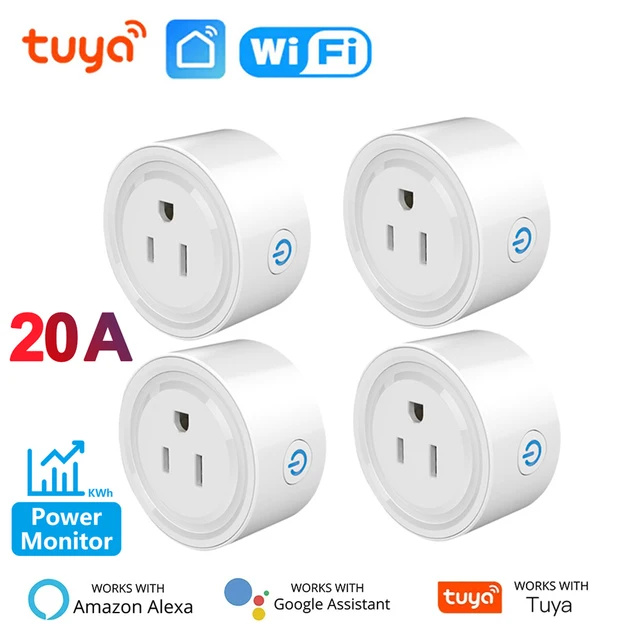
Smart plugs are one of the easiest ways to explore home automation. They sit between a wall outlet and a compatible appliance, adding features such as app control, schedules and, on supported models, energy monitoring.
They are convenient, but the best smart plug for your home depends on more than price or appearance.
What can a smart plug do?
A smart plug can switch a connected device on or off through an app. Depending on the model, you may also be able to set timers, create schedules, use voice commands or include the plug in a wider smart home scene.
For example, a schedule can help automate a lamp in the evening. A timer can provide a simple routine for a device that you normally remember to switch off manually. These features are most useful when they match a real habit in your home.
What does energy monitoring mean?
A smart plug with energy monitoring can report information about the power used by the connected appliance. Depending on the app, you may see current power, historical consumption or estimated usage over time.
This information can help you understand which appliances consume the most energy and when they are being used. It does not automatically reduce consumption; the value comes from noticing patterns and adjusting your routine.
Check the electrical rating first
Every smart plug has limits. Check the plug type, voltage, maximum current and supported load before connecting an appliance. Do not exceed the rating shown by the manufacturer.
High-power appliances require particular care. A plug designed for a lamp may not be suitable for a heater or another high-load device. If you are unsure whether an appliance is appropriate, consult the appliance documentation or a qualified professional.
WiFi or ZigBee?
WiFi smart plugs usually work through your home router without a separate hub. ZigBee plugs generally need a compatible gateway. If you already have a ZigBee system, a compatible plug may fit into that setup; otherwise, a WiFi model can be a simpler starting point.
Also check the app, wireless band and voice assistant compatibility. These details determine how the plug will fit into your existing setup.
Choose a useful routine, not just a feature
The best automation is often the simplest. Start with one clear task: turning a lamp on at a regular time, checking whether a device is switched on, or reviewing its energy use. Once that works reliably, you can add more advanced scenes.
Our Tuya WiFi Smart Plug with Power Monitor is an example of a connected plug with timing and energy-monitoring features. You can compare other versions in the Smart Plug collection, paying particular attention to regional plugs and electrical ratings.